Character Consistency: How to Keep Your AI Model Looking the Same Across Every Shot
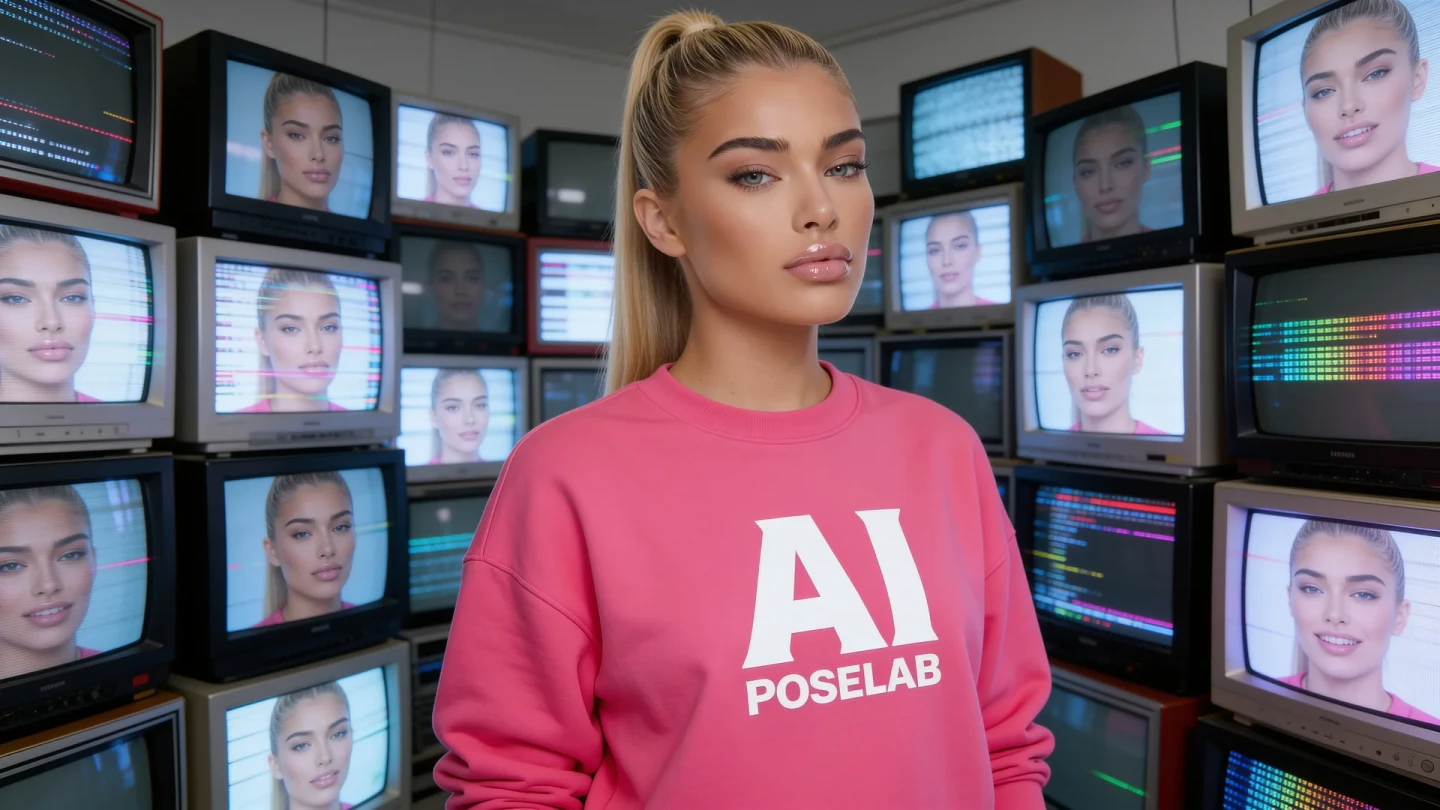
Nothing undermines a virtual influencer account faster than a model whose face subtly shifts from post to post. Followers notice inconsistency even when they can't articulate exactly what's off. Here's how to keep your AI model recognizably consistent across hundreds of generations.
Why Consistency Breaks Down
Most consistency drift happens gradually, not all at once. Small wording changes between prompts — "wavy brunette hair" in one prompt, "loose brown waves" in the next — compound over a content set into a face that no longer reads as the same person. The model isn't malfunctioning; it's responding accurately to genuinely different input.
Build a Master Subject Description
The single most effective fix is maintaining one fixed, detailed subject description and reusing it word-for-word across every prompt. Include specific, stable details: approximate age, face shape, eye color, hair color and texture, skin tone, and any distinguishing features. Treat this description as a locked asset, not something you rephrase for variety.
Separate What Changes From What Stays Fixed
Every prompt has variable elements (pose, scene, lighting, outfit) and fixed elements (the subject themselves). Keep a clear mental — or literal — boundary between the two. When writing a new prompt, copy your fixed subject description in unchanged, then write fresh variable elements around it.
Use Reference Images When the Tool Supports It
Several current tools, including Nano Banana Pro and Seedream, support reference-image-based consistency in addition to text description. Generate a strong baseline image you're happy with, then use it as a reference for subsequent generations rather than relying on text description alone. This significantly tightens consistency, particularly for facial structure.
Watch for Drift in Long Content Sessions
If you're generating a large batch of content in one session, periodically compare new outputs against your original reference image rather than just the most recent one. Drift tends to be gradual — each image looks similar to the one before it, but the tenth image in a sequence can look meaningfully different from the first.
Keep a Visual Reference Sheet
Maintain a simple reference sheet of your three or four best, most "on-model" generations. When something looks slightly off in a new image, compare it directly against this sheet rather than relying on memory — subtle drift is much easier to catch side-by-side than from recall alone.
Different Tools, Different Consistency Profiles
Consistency isn't identical across tools, even with the same prompt. If you're using multiple AI tools for different content types, expect to need slightly different prompt calibration for each to hit the same target appearance — what produces a consistent result in one tool may need adjustment in another.
The Bottom Line
Character consistency is less about finding a magic prompt trick and more about discipline: a fixed subject description, reused consistently, checked periodically against a reference sheet. It's unglamorous, systematic work — but it's exactly what separates accounts with a recognizable, trustworthy persona from accounts that feel randomly generated.
PoseLab's Prompt Builder lets you save your subject parameters as a reusable template, so your core description stays locked while you vary scene, pose, and styling for every new piece of content.
Access 200+ curated prompts. New drops every week.
Start for $9.99/mo